Unipay v1.3.0275 changelog
Unipay v1.3.0275 Changelog
We keep building to make crypto payments easier and safer for everyone.
🚀 EVM Chain Support
Unipay has rolled out full EVM chain support, allowing users to make payments directly on the EVM networks where their assets are held.
The EVM wallet adopts the ERC-4337 account abstraction model and integrates lightweight smart account capabilities based on EIP-7702. This enables a lower-friction wallet experience with reduced gas overhead, without requiring additional infrastructure.
Details and demonstrations are available below:
1. EVM Asset Display
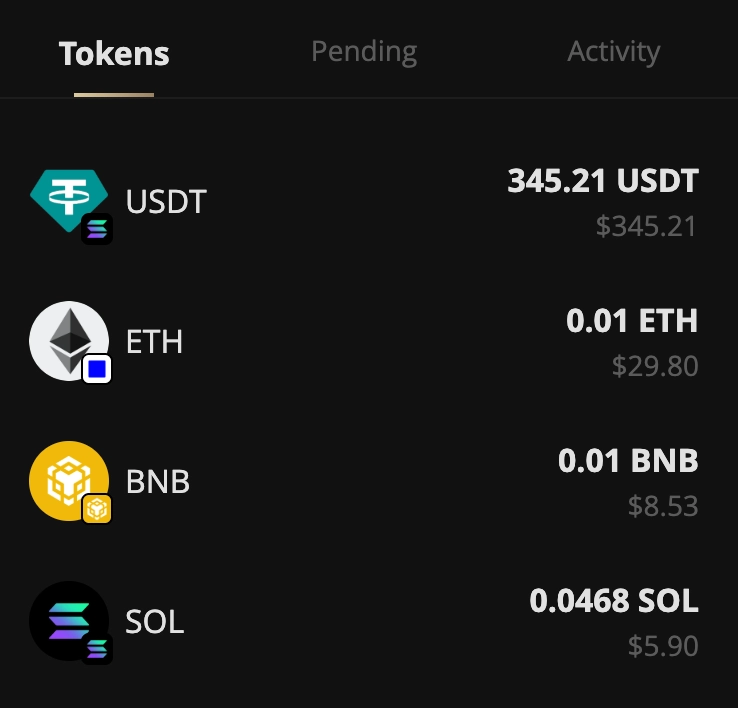
In your Unipay Pocket Wallet, each token shows a chain badge in the bottom-right corner, allowing you to quickly identify which blockchain the asset belongs to.
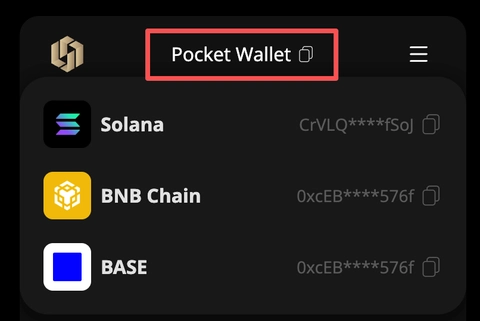
You can simply tap the “Pocket Wallet” title on the wallet page to view and copy your addresses on each supported chain.
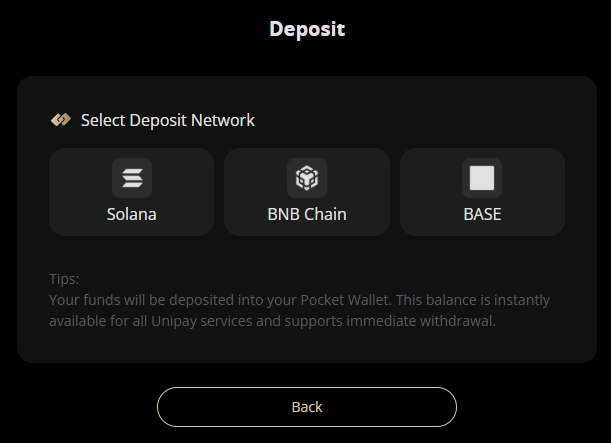
2. EVM Wallet Deposit
On the deposit page, you first select the blockchain you want to deposit to. The process then follows the same steps as before, allowing you to obtain your deposit address on that specific chain.
This address is fully owned by you, so you can safely deposit assets with confidence. All assets in your wallet can be securely transferred back to your other wallets at any time.
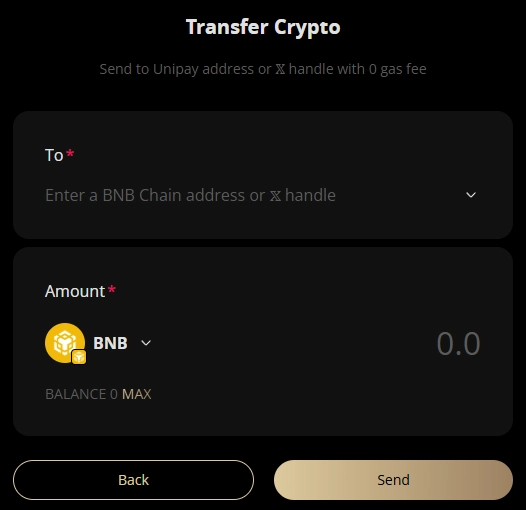
3. EVM Wallet Transfers
Similar to the previous Solana transfer flow, after selecting an EVM asset, you can transfer it by entering either an EVM wallet address or an X username.
PS: Cross-chain asset transfers are not supported at this time.
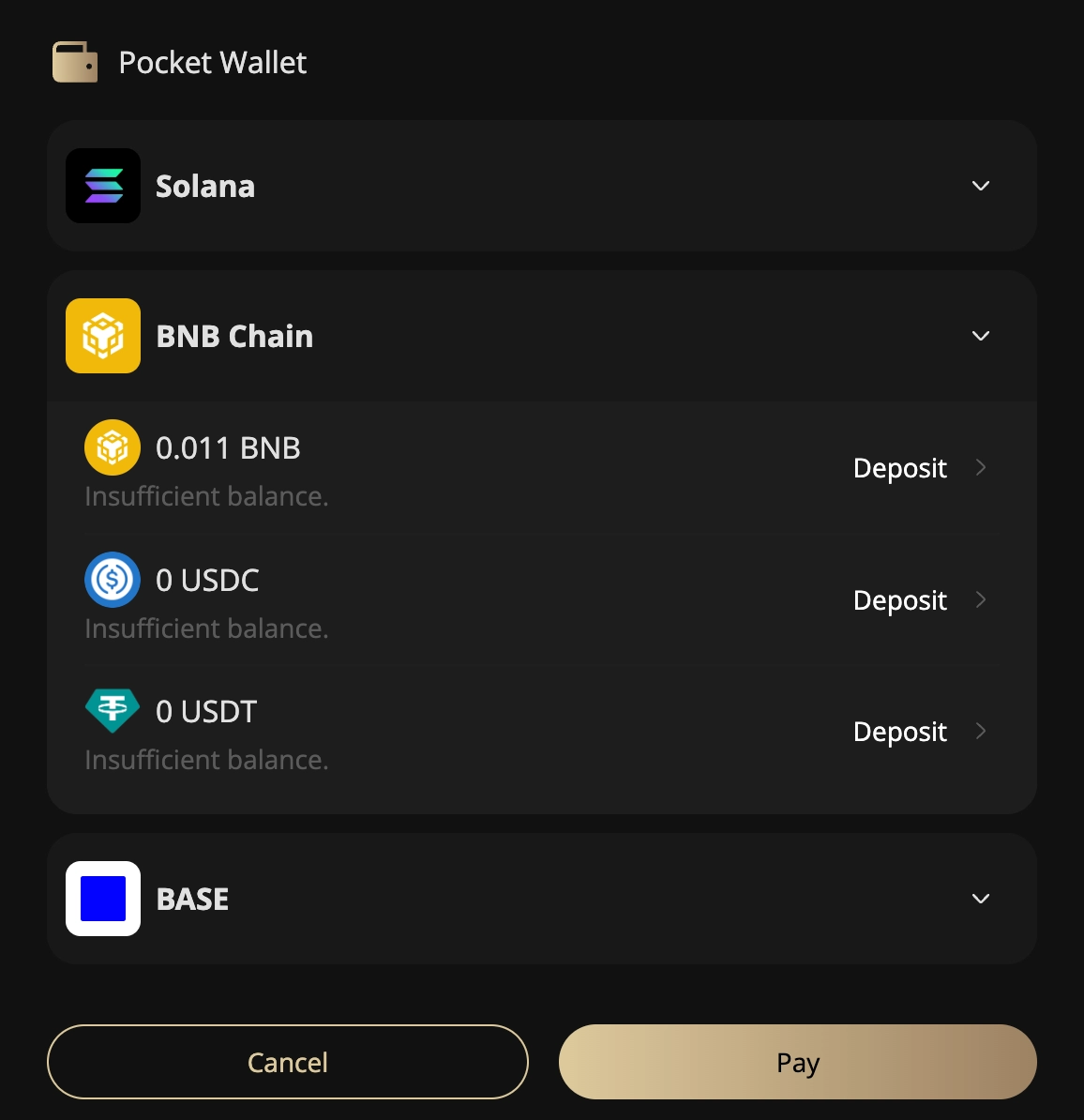
4. EVM Asset Payments
When shopping, you can directly use your assets on EVM chains to complete purchases.
Support for additional EVM chains is continuously being added. If you have any questions, feel free to contact us at any time.
✨ Unipay keeps building the most user-friendly commercial payment platform.